


Portfolio
Create, group, fund, and move wallets in Portfolio.
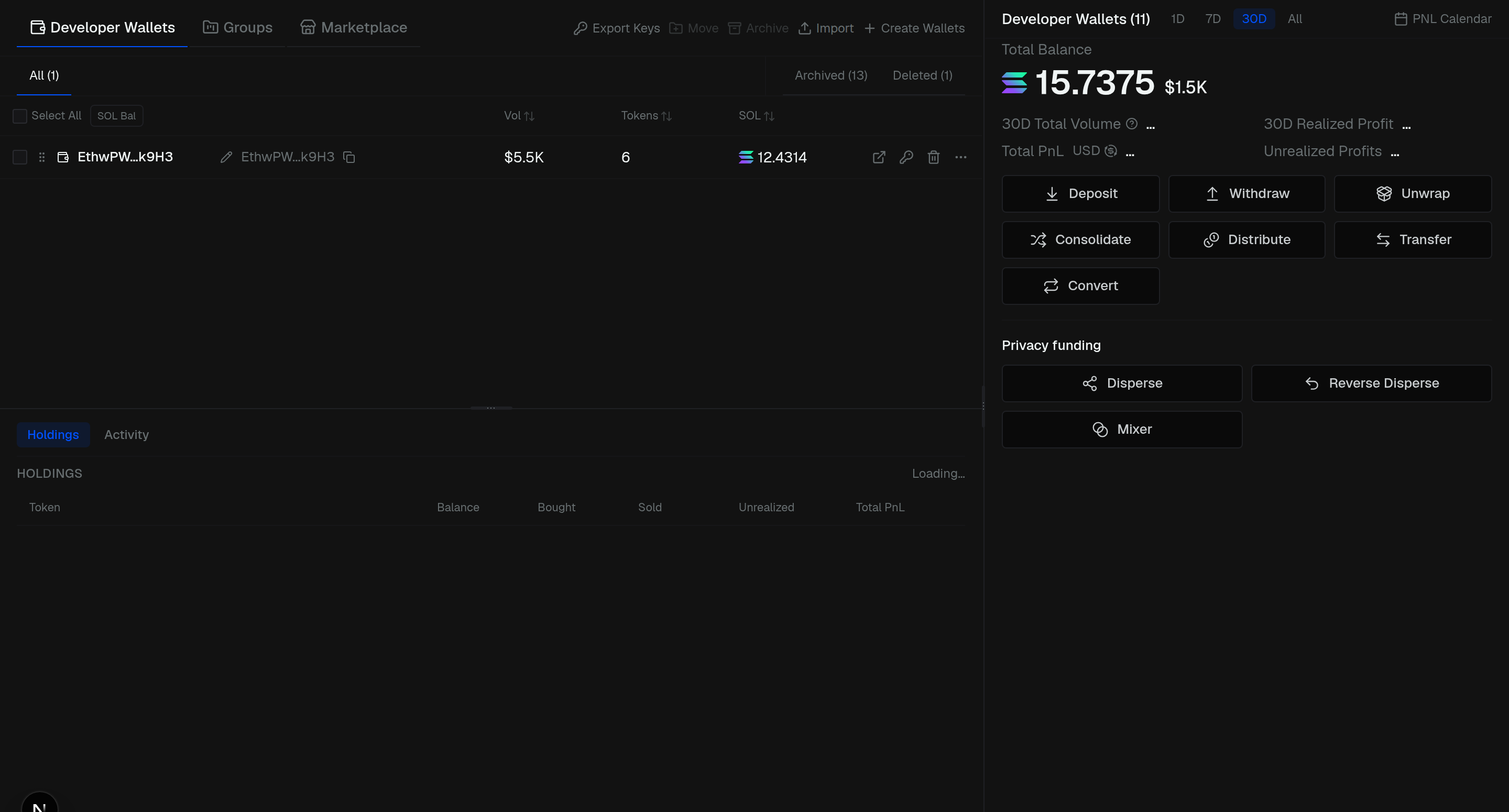
Open Portfolio to manage wallets. Block X creates them for you. Use several wallets (and groups) on the same launch.
Three sections on the left:
- Developer Wallets — your main list
- Groups — named sets for tasks
- Marketplace — buy aged or CEX wallets (Solana)
The right side is the summary (balance, PnL, actions). The bottom is Holdings and Activity.
Rename a wallet by clicking its name. Drag the grip to reorder.
Not every action is on every chain — if a button is missing, that chain does not support it yet.
Create and import
Make wallets or paste existing keys.
Groups
Name a group and move wallets into it.
Archive and restore
Hide wallets, then bring them back.
Export keys
Export one key or a selection.
Deposit
Fund a wallet with address and QR.
Withdraw
Send native out of Block X.
Disperse
Split one deposit across many wallets.
Reverse disperse
Pull dispersed funds back.
Mixer
Route funds through providers.
Transfer
Move between matched wallet pairs.
Consolidate
Gather balances into one wallet.
Distribute
Split from one wallet across many.
Convert
Bridge native across chains.
Unwrap
Wrapped native back to native.
Marketplace
Buy aged or CEX wallets.
Migration Boost
Re-launch and migrate for dust.
Holdings
Token positions and PnL.
Activity
Disperse, reverse, and mixer history.
PnL
Periods, calendar, and share card.