


Archive and restore
Hide wallets you are not using, then unarchive or restore them.
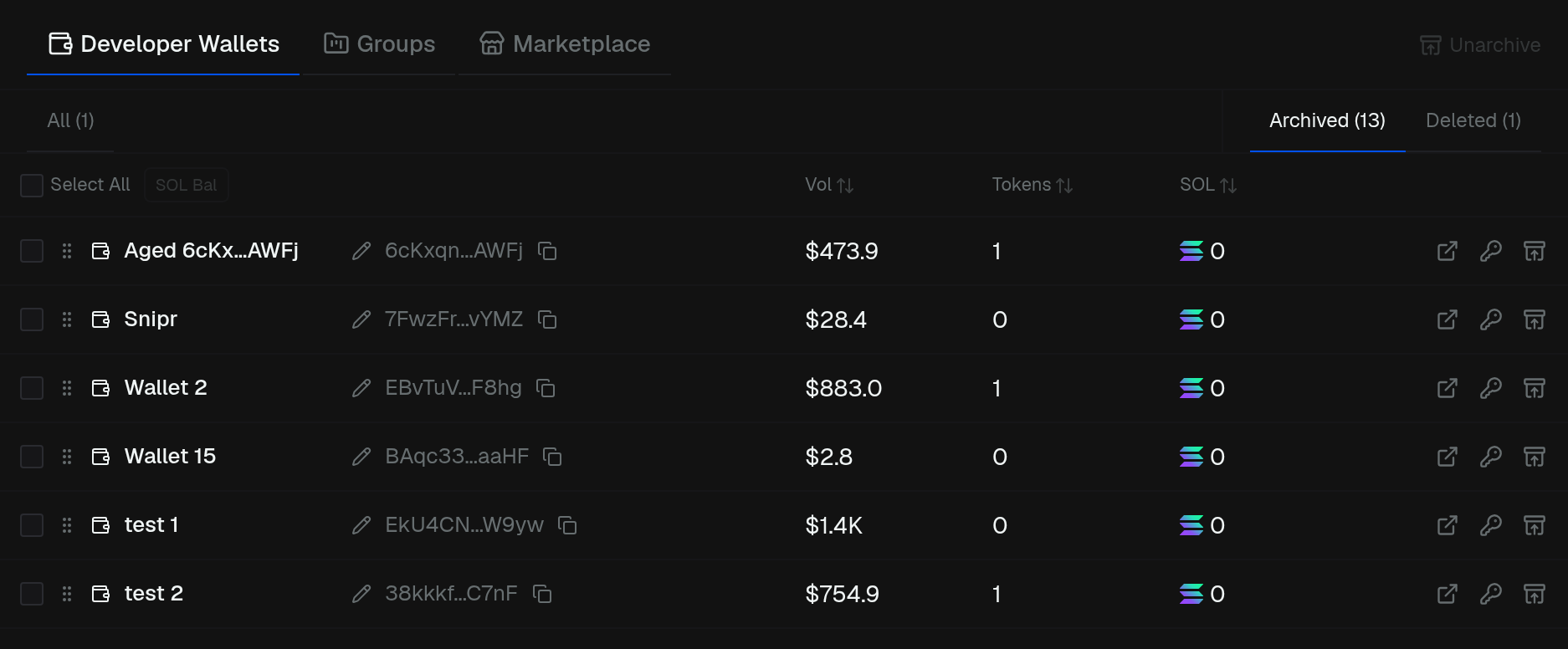
Developer Wallets has three tabs: All, Archived, and Deleted.
- Archive — hide a wallet from All (row menu or bulk Archive)
- Unarchive — bring it back from Archived
- Delete — move it to Deleted (you can restore later)
- Restore — bring a deleted wallet back
Select several wallets, then use the header actions. Groups have the same Archived / Deleted tabs for the groups themselves.