


Post to X
Connect X and post the token when it goes live, without leaving Block X.
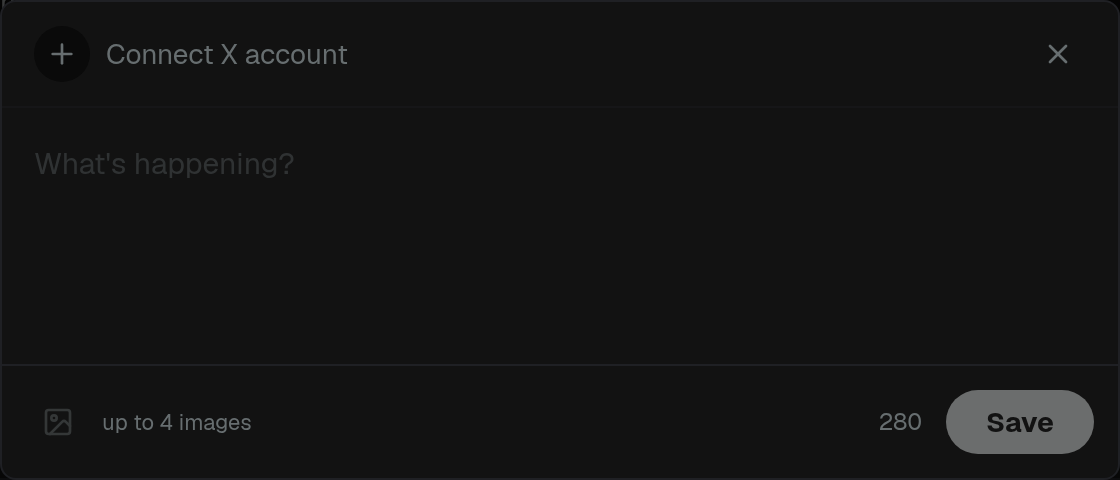
Connect X in the launch dialog to post when the token goes live, without leaving Block X.
- Click Post next to the X field
- Connect your X account
- Write the tweet (up to 280 characters) and add up to 4 images — or Use token image
- Save the compose
Then use Post & Launch in Options. Block X posts first, then launches, and puts the tweet on the token.
Clear removes the saved post. Pasting an X URL in the form uses that link instead.