


Quick Launch
Launch a new token in a second or two from a saved preset.
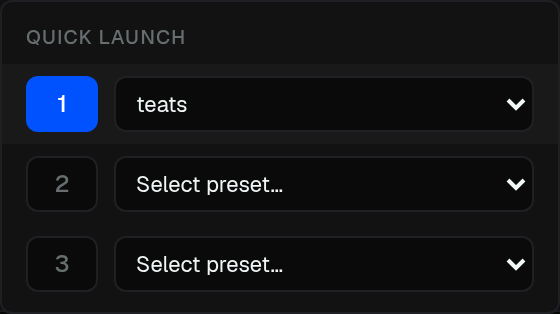
The footer Quick Launch button has three slots. Assign a global config to each, then launch a new token in a second or two with multiple tasks.
- Open the sliders next to Quick Launch
- Pick slot 1, 2, or 3
- Assign a Global Preset to that slot
- Press Quick Launch to open the dialog already filled
You still add name, symbol, and image, then launch.
Save presets from the Tasks panel (Presets). A preset stores tasks, launchpad, buy amount, developer wallet, pad options, and Global Fees.