


Tracker
Keep Trending open as an overlay while you work elsewhere.
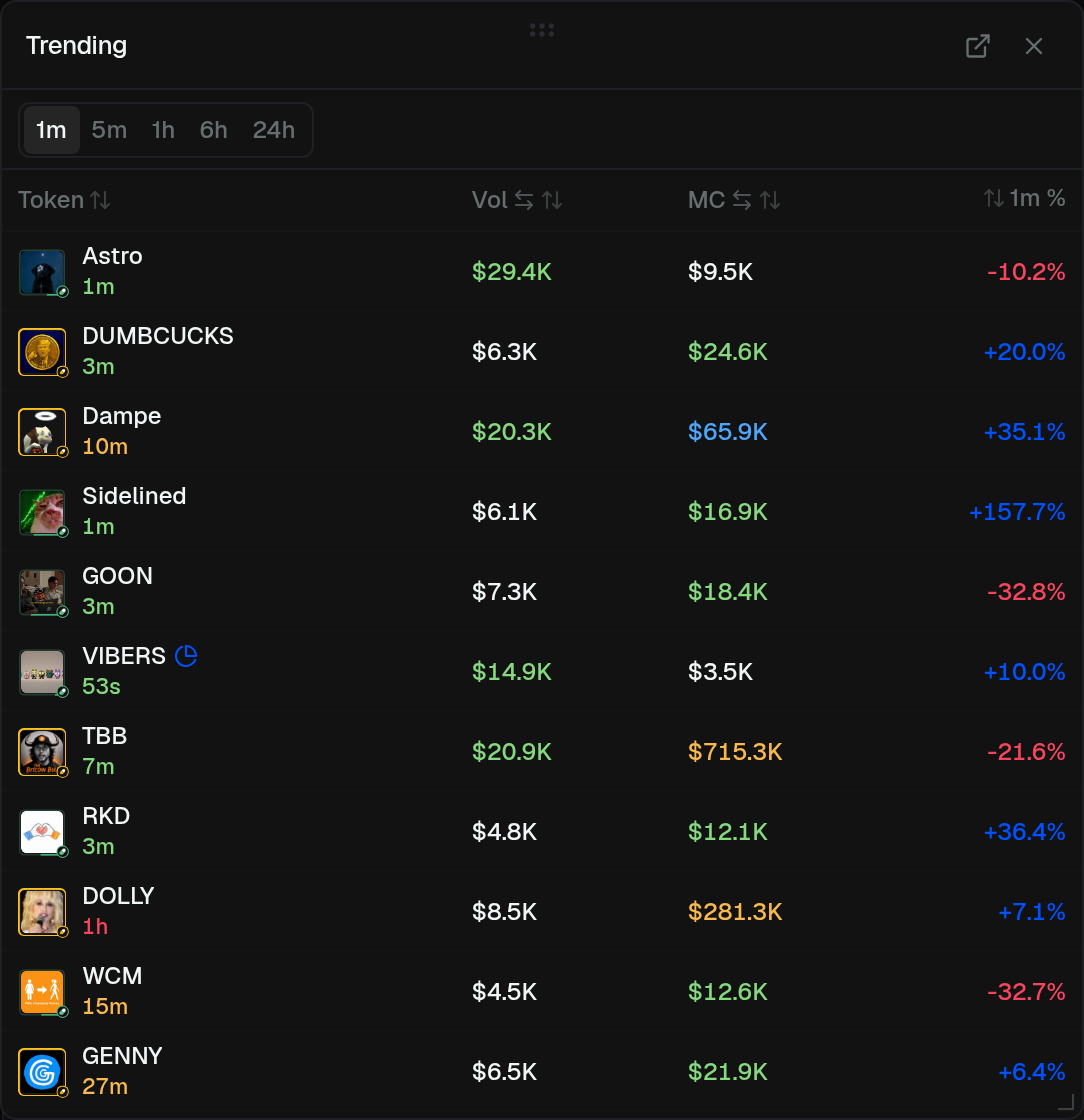
The Trending footer button opens the tracker on any page except the full Trending page. You can also toggle it from Layout → Overlays.
- Same 1m–24h tabs
- Compact columns — cycle Vol / TXs / Liq and MC / Holders / ATH
- Click a row to open Trading
- Hover the table to freeze row order
- Drag to move. Drag to a side to dock (defaults to the left)
- Resize from the corner (floating) or the inner edge (docked)
- Open the full page from the header link. X closes it
If Trenches is docked on the same side, Trending sits on the edge and Trenches shifts in.