


Workspace
Launch and trading layout, wallet highlight, and resets.
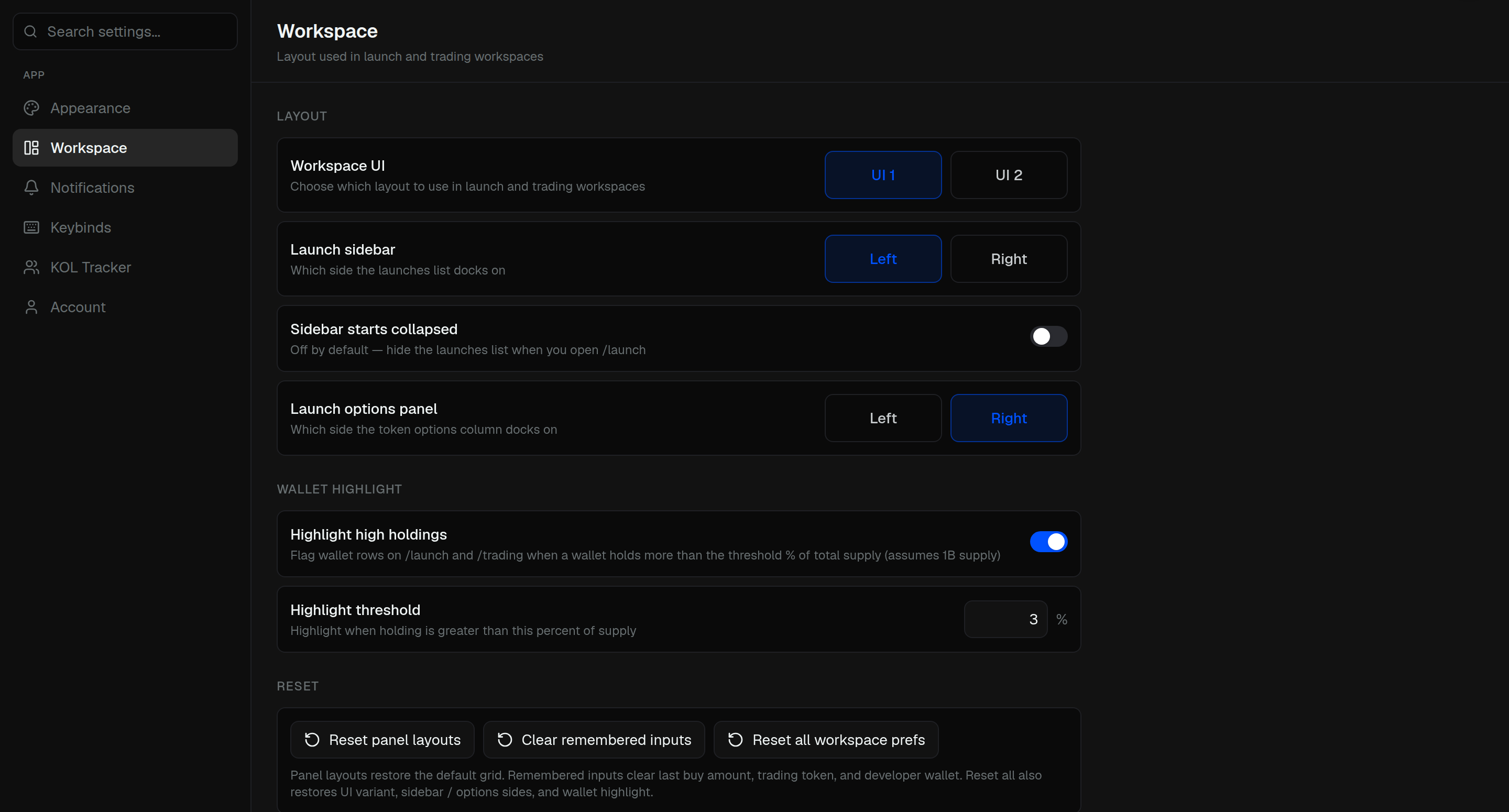
Workspace UI is UI 1 or UI 2 for launch and trading.
- Launch sidebar — Left or Right
- Sidebar starts collapsed — hide the launches list when you open Launch
- Launch options panel — Left or Right
Highlight high holdings flags wallets that hold more than the Highlight threshold of supply.
Reset:
- Reset panel layouts — default grid
- Clear remembered inputs — last buy amount, trading token, and developer wallet
- Reset all workspace prefs — those plus UI, sides, and highlight